Before
Wait for a data request, copy a dashboard number, paste it into the QBR.


The Snowflake Connector for Superhuman Go lets your team ask questions of governed Snowflake data in plain language. Brainforge brings the healthcare and data expertise to make your Snowflake–Superhuman Go connection more useful and trustworthy, without requiring your team to build that capability in-house.
Powered by Snowflake Cortex Agents
Wait for a data request, copy a dashboard number, paste it into the QBR.
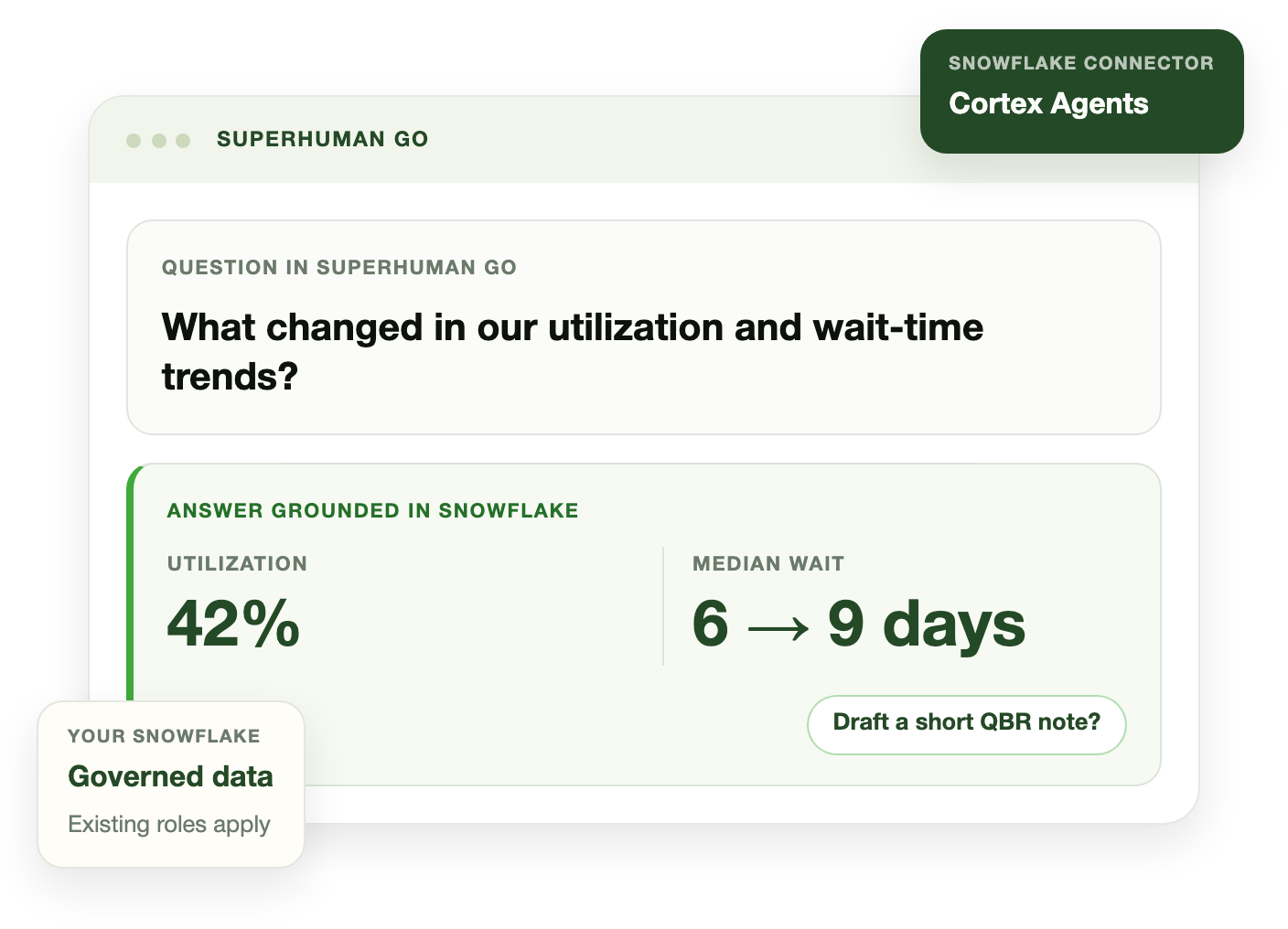
Ask in Superhuman Go. Get an answer grounded in Snowflake, then draft the QBR update in the same workflow.
Works with your existing stack
The native connector links Superhuman Go to your Snowflake environment. Your data platform and BI tools stay in place.
Available in the Superhuman Store as a connector. Contact your Snowflake or Superhuman account team to start.
Product overviewOpen on YouTubePartner Hub walkthrough (Tella)

Ask in Go instead of waiting on a data request or dashboard handoff.

Answers remain subject to your existing Snowflake roles and admin controls.

Use the answer to draft a QBR update, operations brief, or follow-up in Go.
These are illustrative examples, not customer results. The right workflow depends on your data, permissions, and operating needs.
Ask for utilization, wait-time, or engagement metrics by account, then draft a QBR summary or renewal update in Go.
Ask about a worklist, backlog, or exception queue, such as a prior authorization or network queue, then draft an update or follow-up for the team.
Ask for a study- or site-level metric that would otherwise require a data request, then prepare a stakeholder note.
Ask which locations or work queues are affected by a supply exception, then draft a concise update for the people coordinating the response.
For healthcare teams, requirements vary by organization and by workflow. Before using sensitive or protected health information in production, confirm the applicable technical and contractual controls with your Snowflake and Superhuman account teams. Brainforge can help scope a suitable first workflow.
Brainforge can help your team
The Snowflake Connector for Superhuman Go is available in the Superhuman Store as a connector. Your Snowflake administrator enables it and sets user permissions. Get in touch and we can help coordinate with your Snowflake and Superhuman account teams and scope a first healthcare workflow.
Queries run against your Snowflake environment. Returned data is processed by Superhuman according to the configured connection and data controls. The connector uses OAuth and respects existing role-based access controls.
No. Your dashboards and BI tools stay in place. The connector is for questions and follow-up work inside Superhuman Go; it is not a replacement for your BI stack.
Requirements depend on your organization, data, and workflow. Confirm the appropriate Snowflake and Superhuman controls before enabling production workflows that involve sensitive or protected health information. Your team can also start with a workflow that does not use sensitive data.
No. Users can ask questions in plain language in Superhuman Go. What they can access still depends on the data, tools, and permissions configured for their organization.
Snowflake and Superhuman provide the connector. Brainforge can help your team choose a suitable first healthcare workflow and plan its enablement and adoption.
Snowflake Connector for Superhuman Go
Press Esc to close